
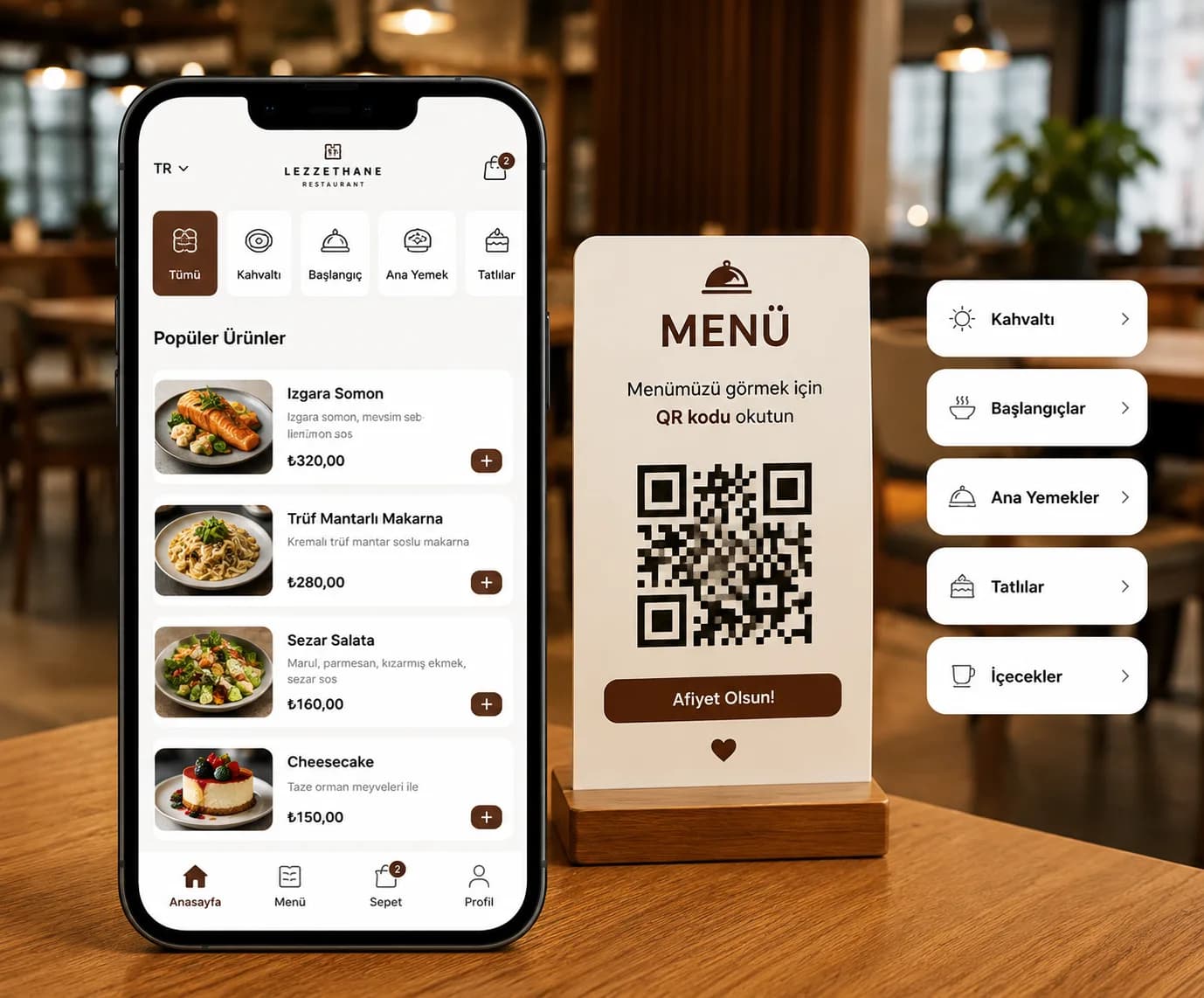
VelorySoftMenü's at-table ordering lets customers build a cart and place an order right from the menu that opens when they scan the QR code — no app download, account, or personal information required.
Orders land in your dashboard the moment they're placed; manage them by dragging between Received, Preparing and Served. Customers track their own order status from their phone.
How it works
Scan the QR code → Add to cart and order → It lands in your dashboard instantly
- 1Scan the QR code The customer scans the table's QR code with their phone camera; the menu opens instantly in the browser.
- 2Add to cart and order They add the items they want to the cart and send the order with one tap.
- 3It lands in your dashboard instantly The order appears live in your dashboard; mark it received, preparing, and served.
Why at-table ordering
No waiting
Customers order whenever they're ready, without waiting for a waiter.
Their own device, independent
Everyone at the table orders separately from their own phone — no mix-ups.
No commission
No per-order cut, beyond the flat monthly plan fee.
No integration hassle
Works independently of your existing POS system by design — setup stays simple.
Questions about at-table ordering
Is payment also handled when a customer orders at the table?
No. The order is sent to your dashboard digitally; payment still happens the way it does today — cash or card/POS at the table.
Does the customer need to download an app?
No. Scanning the QR code with their phone camera is enough — the menu and ordering screen open in the browser.
Can multiple people at the same table order at the same time?
Yes. Each customer orders independently from their own phone session; orders land in your dashboard separately, without mixing up.
Does it integrate with my existing POS or till system?
No, by design it works independently — not requiring POS integration keeps setup simple and fast. You track orders in the dashboard and enter them into your existing till system yourself.
Related articles